Why ChatGPT Is Not Enough For Your Tech Docs
See why ChatGPT alone fails SaaS docs and how ai for technical documentation tied to your real sources keeps help accurate, trusted, and in sync.
If you work on a SaaS product, you have probably tried dropping a feature description into a powerful but often insufficient AI writing assistant like ChatGPT, a form of Generative AI (GenAI), and asking it to write docs. It feels fast, cheap, and good enough for a draft.
But when those words turn into your official docs or in-app help, the bar changes. You need AI for technical documentation that is accurate, trusted, and always in sync with your product, not just something that sounds clever from large language models (LLMs) trained on broad data. After all, effective AI for technical documentation must go beyond general guesses to ensure reliability for your users.
There is a better way to use AI for technical documentation, one that connects straight to your real documentation, changelogs, and code, instead of guessing.
Why Regular AI Like ChatGPT Struggles With SaaS Technical Docs
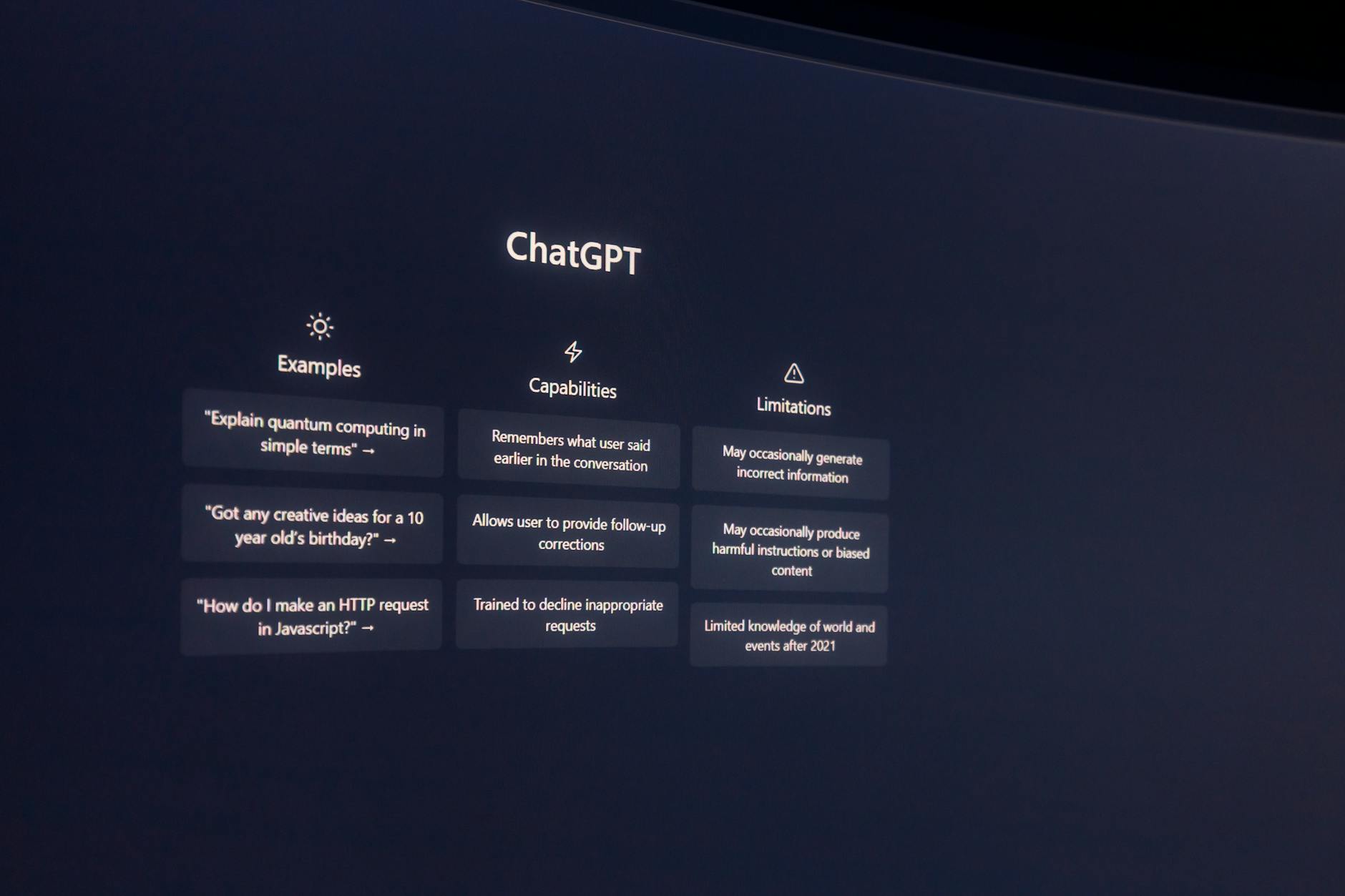
Generic Generative AI (GenAI) models like ChatGPT are trained on broad internet data, not your product. They are great at language content generation, but they do not understand your roadmap, flags, or API quirks.
Many teams find that these models:
- Answer confidently, even when wrong
- Drift out of date after every release
- Struggle with deep, multi-step flows, lacking the specific context required for complex API documentation
- Need heavy editing to fit doc standards
These are known issues. For example, several reviews of ChatGPT, like this breakdown of its main limitations, point to accuracy and control as recurring problems.
Hallucinations And Wrong Answers Break User Trust
ChatGPT can invent a wrong API parameter, mix up response codes, or skip a required header, all while sounding very sure of itself. It might also leave out a small but critical step in a setup flow.
For an article or a blog post, that is annoying. For technical documentation or in-product help, that is dangerous, as it severely compromises the required content quality. Users follow your steps exactly. A missing migration step or a fake config key can cause outages, broken builds, or lost data.
Once a developer sees one wrong answer, their trust in all your docs drops.
Generic AI Does Not Know Your Latest Product Changes
Generic large language models (LLMs) do not wake up and read your release notes. If you ship every week, your product changes faster than the model.
Unless a human engages in specialized prompt engineering to keep pasting fresh context or you build a complex retraining pipeline, the AI will lag behind. This requires advanced prompt engineering efforts that add significant manual work:
- Suggest removed features
- Ignore new flags or plan limits
- Mix old and new API versions in one answer
Even OpenAI forums and research, such as discussions on precise work limits, highlight how hard it is for a static model to stay accurate for detailed, changing work.
Complex Features And Edge Cases Are Easy To Get Wrong
SaaS products grow a lot of edge cases:
- Multi-tenant settings
- Role-based access rules
- Per-environment config
- Advanced API filters and pagination
When you only give a short prompt, a generic AI often oversimplifies, drops caveats, or ignores limits like rate caps. Long manuals and large doc sets can overflow its context window, so it loses track of earlier constraints.
You then get more support tickets from confused users who tried to follow the AI’s “help.”
Unstructured Output Means Extra Editing Work For Your Team
Technical docs need structure: headings, code blocks, parameter tables, and clear step lists. In contrast, out-of-the-box ChatGPT output often lacks the structured content essential for effective technical documentation, resulting in:
- Inconsistent heading levels
- Code formatted in odd ways
- Parameters described in prose instead of a table
While generic models can serve as an AI writing assistant for initial drafting, technical writers already complain about this loss of control, as seen in posts like this review of ChatGPT for technical documentation. This lack of formatting adds unnecessary work for technical writers, who must spend extra time fixing inconsistencies. Your team ends up copying, fixing, pasting, and then trying to keep everything in sync across portals and macros, further burdening technical writers with repetitive tasks.
What You Actually Need From AI For Technical Documentation
To be helpful in production, AI for technical documentation must behave more like a teammate, not a guessing machine. SaaS teams need AI that is grounded in real sources, aware of context, and safe by default.
AI That Reads And Respects Your Real Docs, Not Just Prompts
The right setup uses retrieval based AI. It:
- Indexes your existing docs, changelogs, GitHub issues, and knowledge base
- Answers by pulling from those sources
- Quotes and links back to the original pages
Since the AI stays within what your team already wrote and approved, hallucinations drop and answers feel like your docs, not a random blog post. This retrieval-based AI for technical documentation provides reliable, source-backed responses that align closely with your approved materials.
If you want a broader view of AI tools that support this style of work, check curated lists like AI tools for technical writing, then compare how each tool connects to real sources.
Version Aware, Always Up To Date Answers
Good AI for technical documentation updates itself when:
- You publish a new API version
- You flip a feature flag
- You change SDK behavior
Instead of freezing at one point in time, it re-indexes your docs or code so answers keep matching the live product while maintaining content consistency. Users see what your team sees today, not last quarter.
Built In Guardrails, Sources, And Handoffs To Humans
Safe AI support should:
- Show linked sources under every answer, enforcing content governance
- Admit low confidence and suggest human support
- Feed analytics back to doc owners
This way, support teams can verify answers fast for quality assurance, and product teams can see what people ask, where they get stuck, and which pages need work.
How CrawlChat Turns Your Technical Docs Into A Reliable AI Assistant
CrawlChat is built for SaaS teams that want safe, grounded AI for technical documentation and support. It connects AI to your actual content and wraps it with guardrails.
Connect All Your Docs, From Docusaurus To GitHub And Notion
CrawlChat ingests your existing sources, such as:
- Public doc sites and marketing pages
- Docusaurus and other static doc sites
- GitHub issues and README files
- Notion, Confluence, Linear, and more
This supports structured content from various formats, including API documentation, turning it all into one source of truth through content reuse. Your product and docs teams, including technical writers, keep using the tools they like. CrawlChat keeps everything aligned for content consistency instead of asking technical writers to copy text into a separate AI system. This workflow optimization empowers technical writers in content creation and improves the documentation process overall.
Give Users A 24x7 "Ask AI" Widget That Answers From Your Docs
You can add CrawlChat as an embedded widget in your docs or app, and as bots in Slack or Discord. Users ask questions in plain language, and the AI for technical documentation answers from your indexed knowledge base, with links back to the exact pages. This enhances user experience (UX) by providing self-serve support for user guides and helps simplify complex topics effectively.
If you want to see how this works in more detail, you can learn how CrawlChat turns documentation into an AI powered support layer.
Reduce Support Load With Smart Fallbacks And Analytics
CrawlChat routes tricky questions to your human support channels, including subject matter experts (SMEs), instead of guessing. It also shows:
- Which questions users ask most
- Where they drop off or rephrase
- Which topics have weak docs
This leads to fewer repetitive tickets by automating repetitive tasks, faster onboarding, and better self-serve support through additional workflow optimization. You can explore more about AI support analytics and automation to see how teams use this data to improve documentation and simplify complex topics.
Ship Faster While Keeping Docs Accurate And On Brand
Your product can move fast while CrawlChat, as AI for technical documentation, boosts productivity by:
- Keeping answers synced with your latest docs
- Following your tone and branding through content governance
- Highlighting missing or confusing topics with readability scores for quality assurance
It also supports translation and localization to speed up global delivery. You do not have to grow your doc team, including technical writers, at the same pace as your feature set. The AI becomes a force multiplier for productivity, not a risky shortcut, enhancing the documentation process for technical writers.
Conclusion
ChatGPT is great for drafts and ideas, but it is not enough for production-ready tech docs or in-app help that follow structured documentation principles like DITA. SaaS teams need AI for technical documentation that stays close to their own sources, updates with every release, and knows when to hand off to humans. This kind of AI for technical documentation ensures high content quality while keeping outputs reliable and tailored.
CrawlChat connects directly to your real docs and support flows, supporting organizational principles similar to a modern CCMS, so users get reliable answers and support teams get fewer tickets. CrawlChat's reliable output helps companies improve documentation by streamlining future content creation for better efficiency and quality. If that sounds like the next step for your product, take a look at CrawlChat and see how it can turn your existing documentation into a reliable, always-on AI assistant that enhances content creation processes.